Benefits of using QR Codes for Attendance
Streamlined Check-in Process
Attendance QR codes enable a quick check-in process. Participants simply scan the code, reducing wait times and eliminating the need for manual entry. This ensures an efficient start to any event.
Real-time Attendance Monitoring
With QR codes, attendance can be tracked in real-time. Organizers can instantly see who has checked in, providing immediate data for attendance reports and better crowd management.
Enhanced Security and Accuracy
QR codes reduce the risk of fraudulent attendance as each code can be unique. This ensures that only authorized persons are marked present, maintaining the integrity of your records.
Contactless and Hygienic
A QR code offers a contactless way to record attendance, minimizing physical contact. Participants use their own devices, reducing the need for shared pens or paper and promoting a hygienic environment.
Seamless Digital Integration
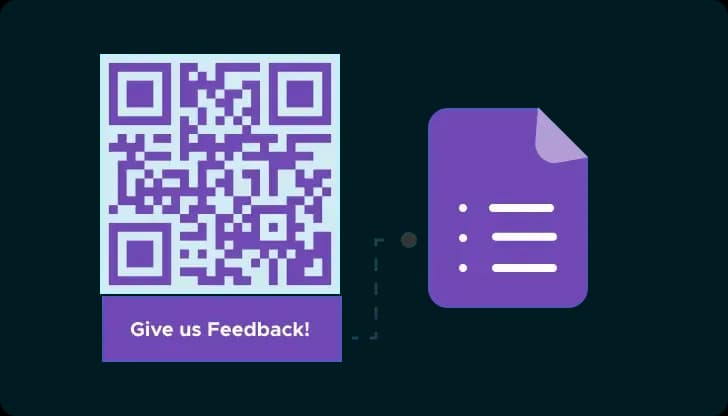
Attendance QR codes can easily integrate with digital systems like Google Sheets. This allows for seamless data transfer and more efficient administrative workflows.
How to Create an Attendance QR Code
Step 1
Choose a Trustworthy QR Code Generator
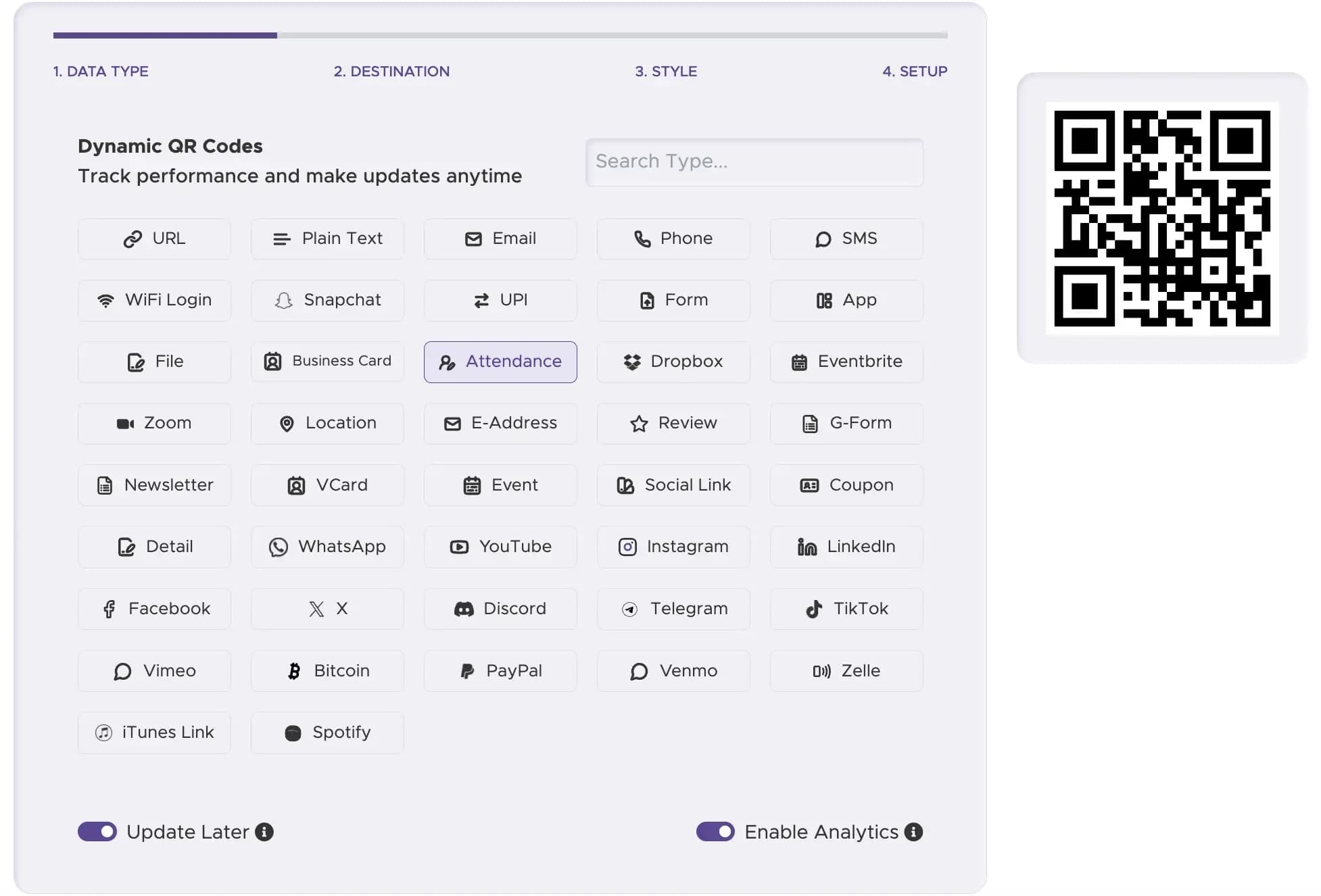
Select a reliable QR code generator such as QRStuff, which offers a dedicated attendance tracking feature. Choose the "Attendance" QR Code type to link users directly to your attendance form.
Step 2
Link Your Google Sheet
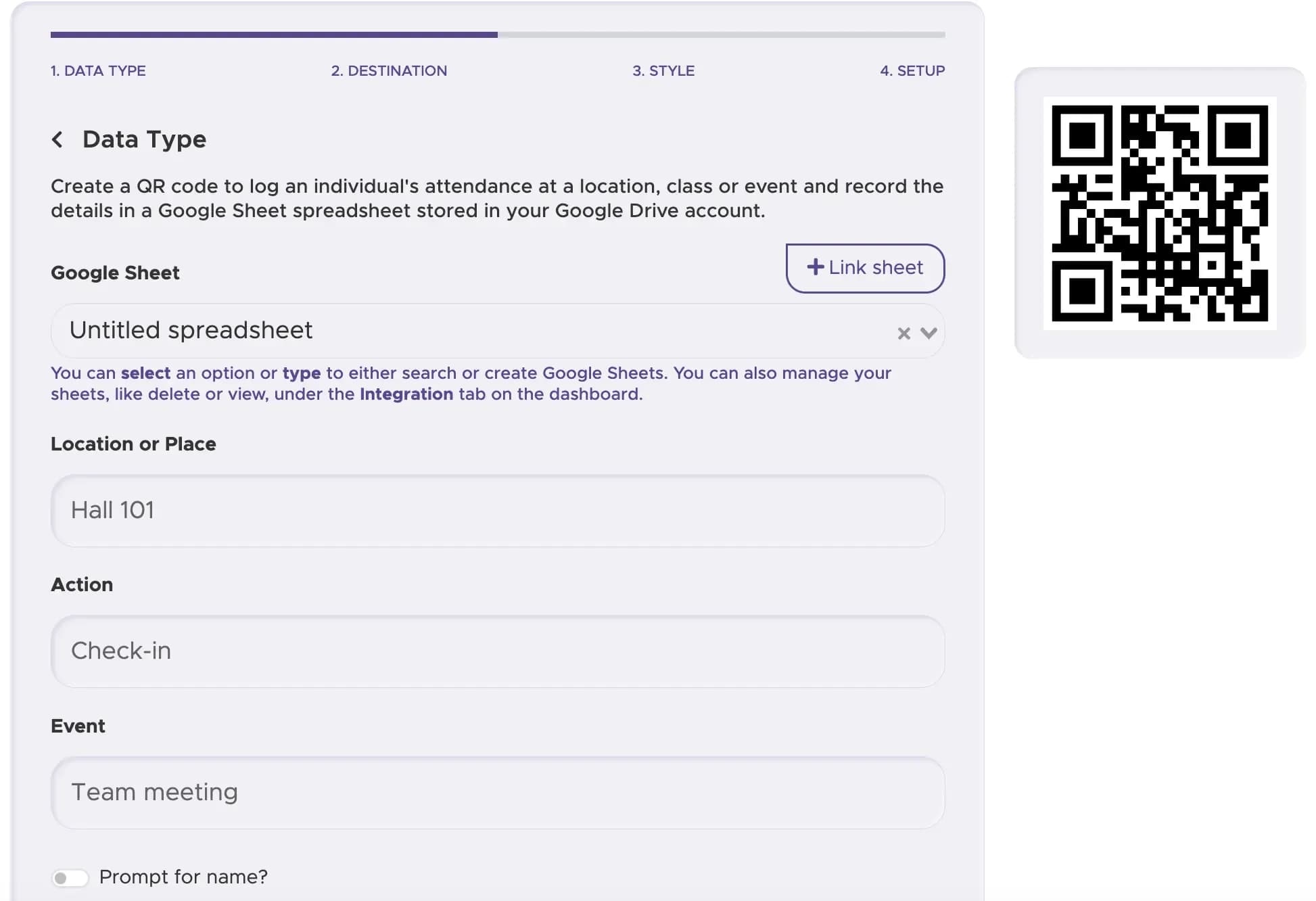
Connect your Google Sheet to store attendance data and enter any additional required details.
Step 3
Customize Your QR Code’s Design
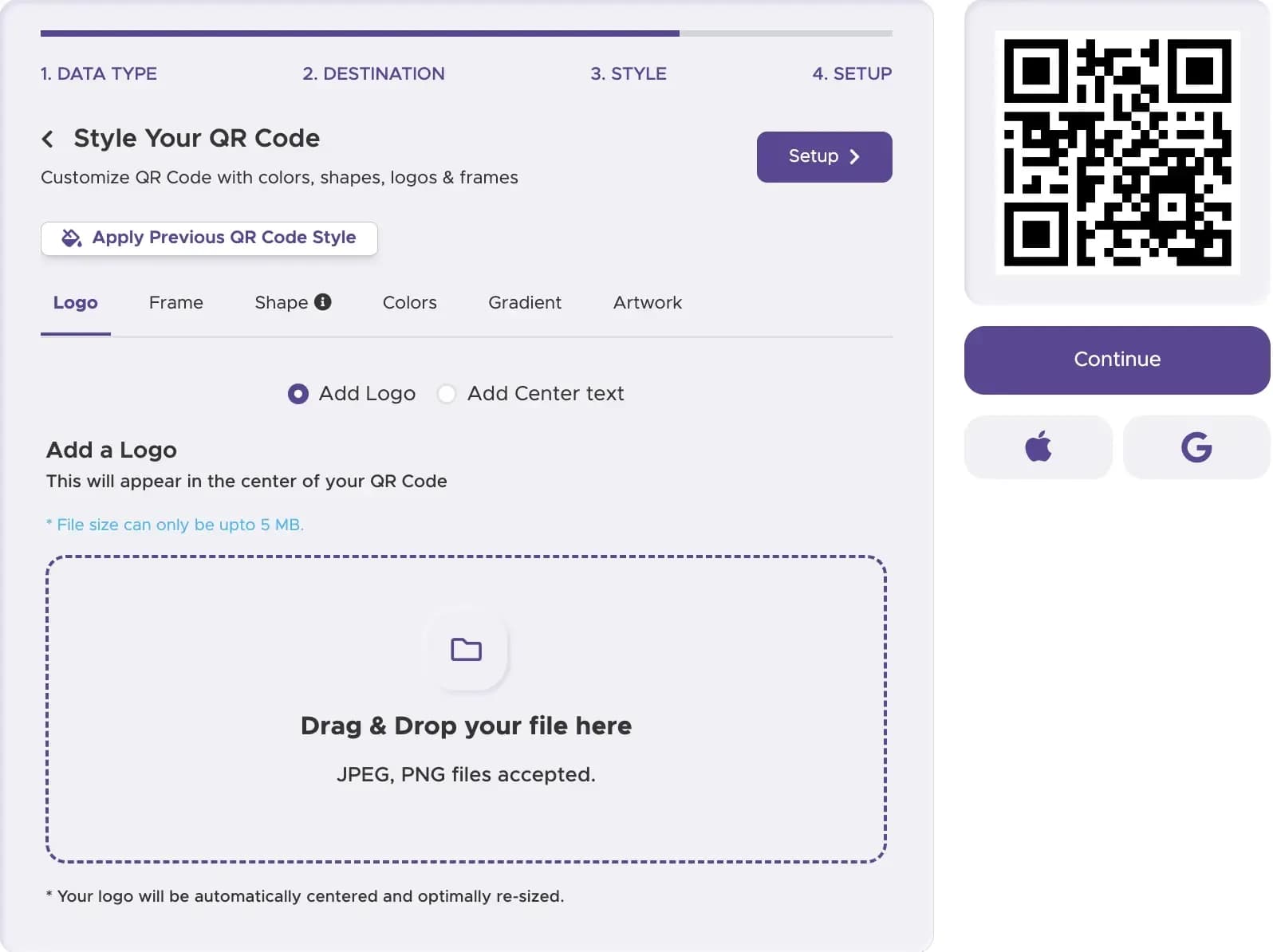
Add customization to your QR code to make it visually appealing and recognizable.
Step 4
Download and Implement Your QR Code
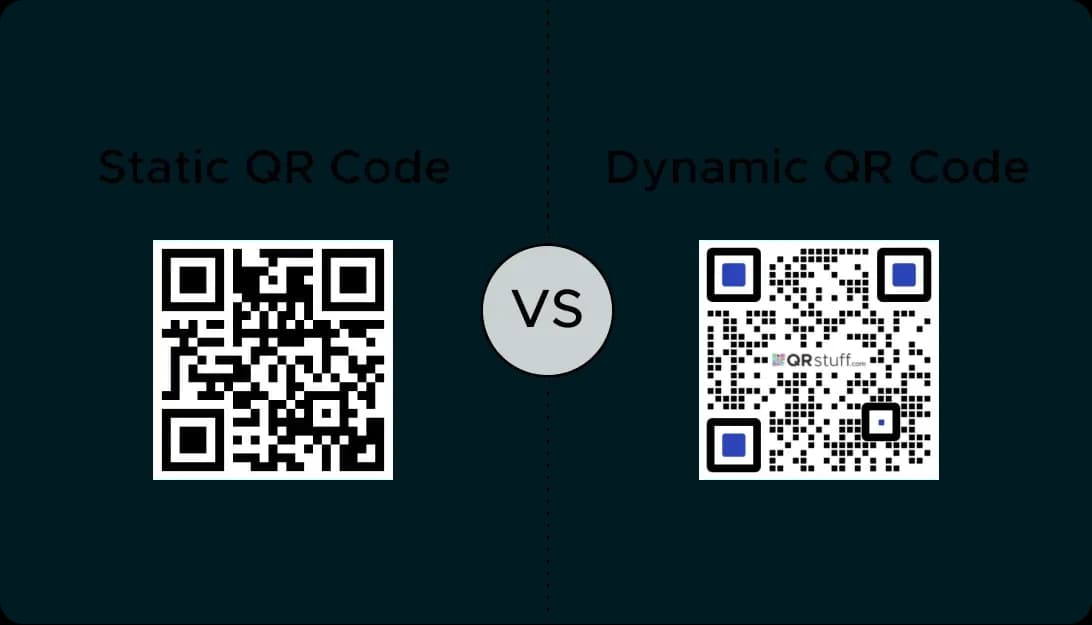
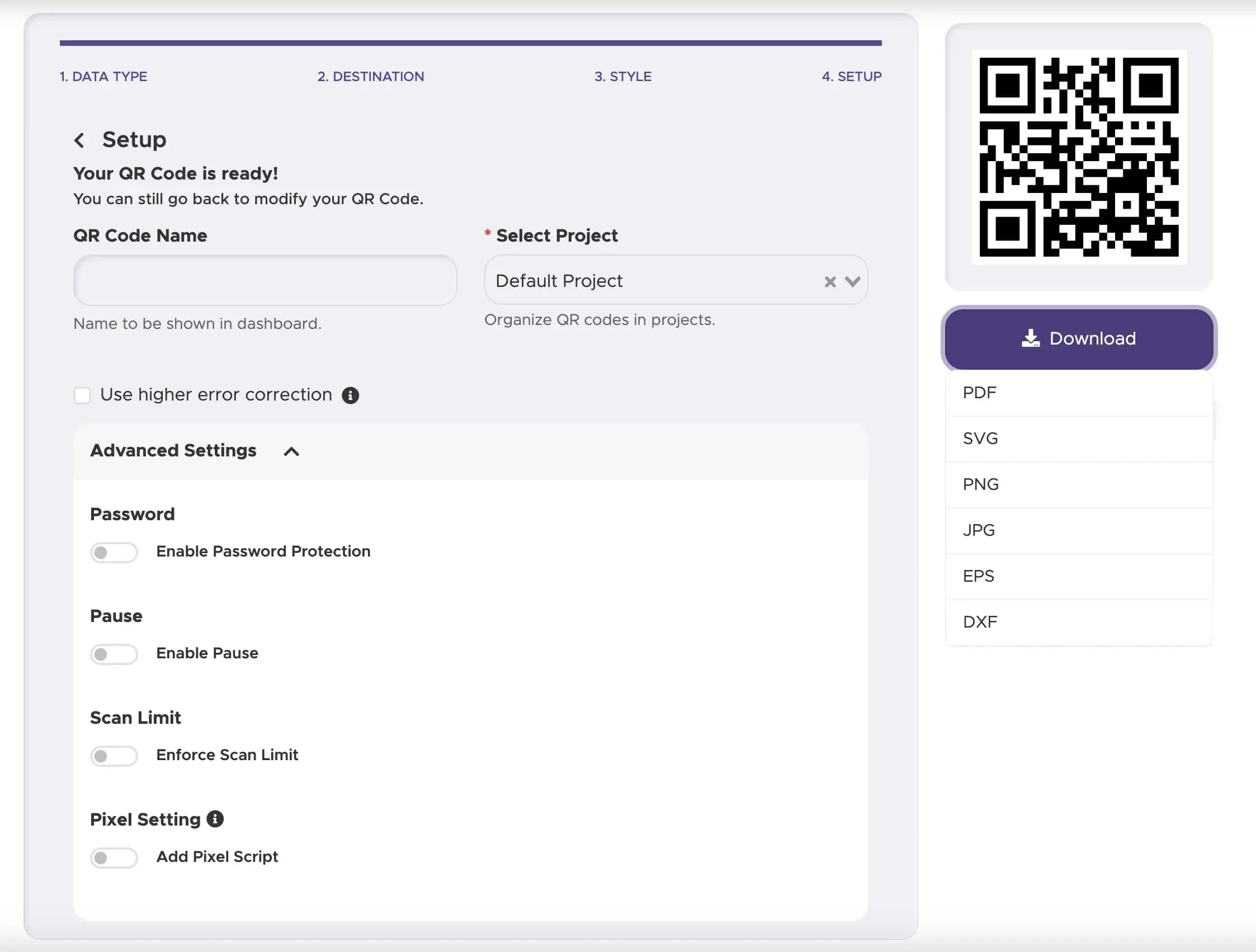
Print your QR code and display it. For the most flexibility, use a dynamic QR code to track performance and manage your data.
Step 5
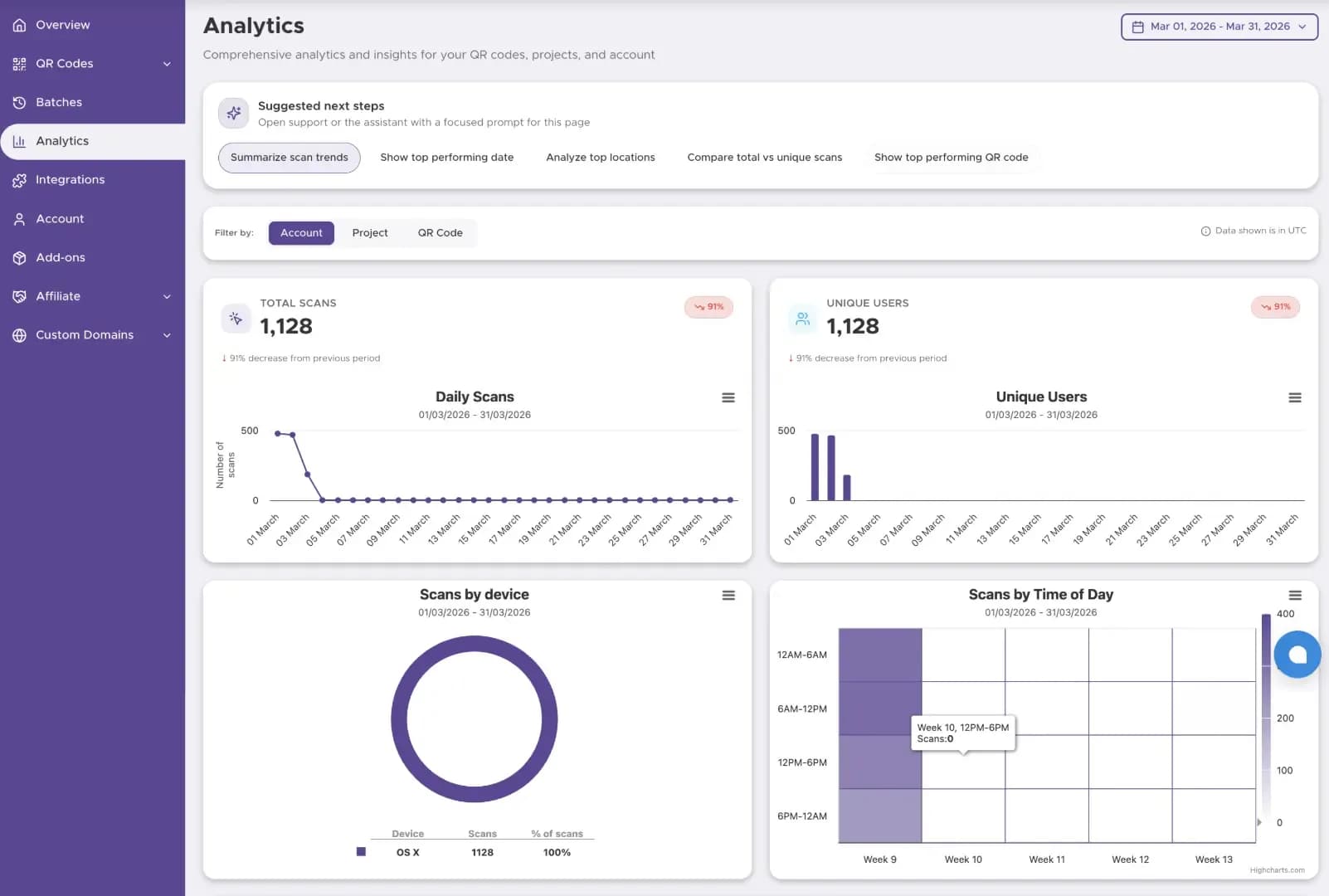
Track Performance (with Dynamic Codes)
For business use, a dynamic QR code can show scan activity and engagement patterns, helping you understand where and when people use your QR code.
Examples of QR Codes for Attendance
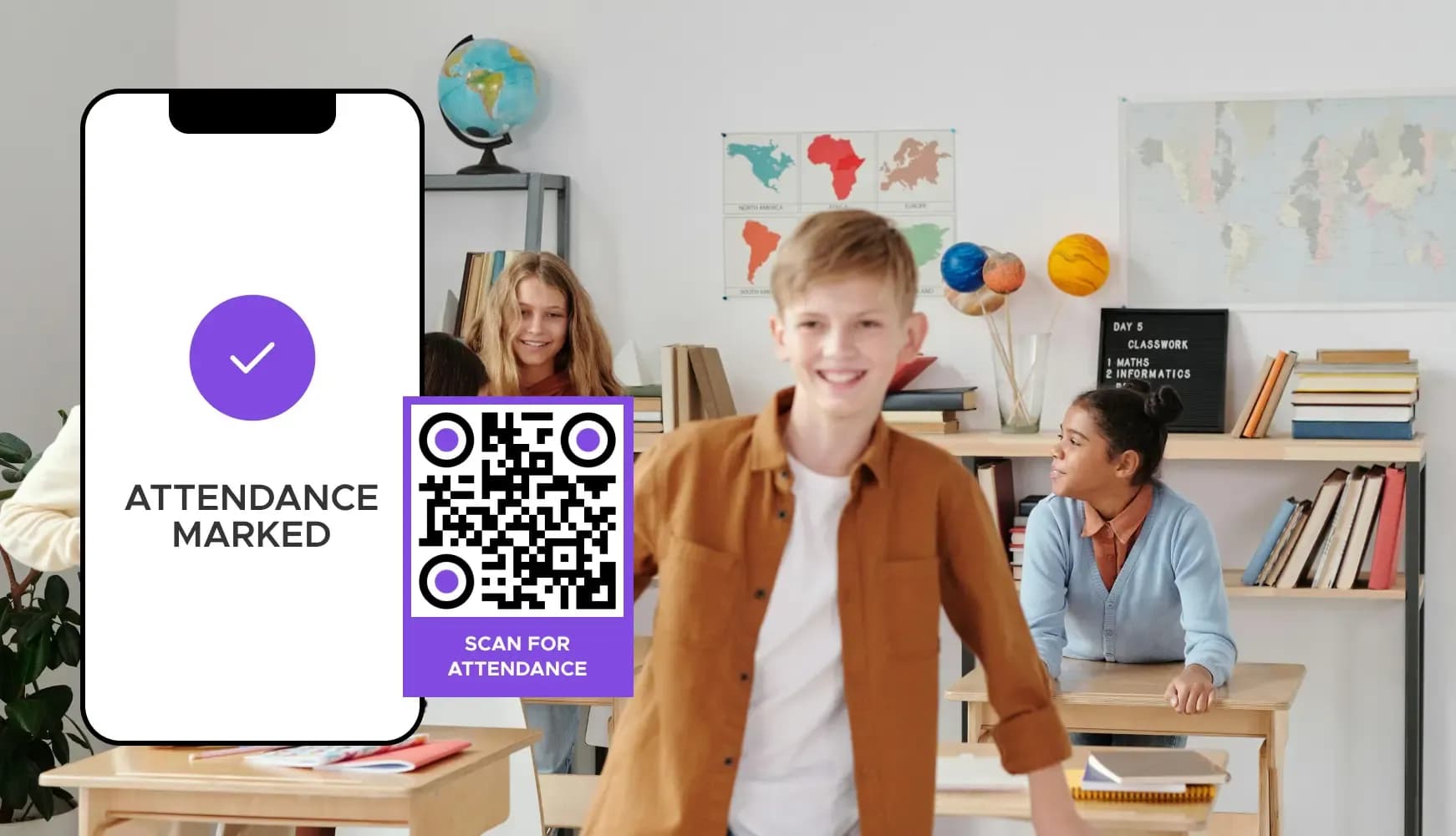
Educational Institutions
Schools and universities use QR codes for student attendance in classrooms and events. Each student scans a code, automatically recording their presence, which can be linked to a learning management system or Google Sheets.
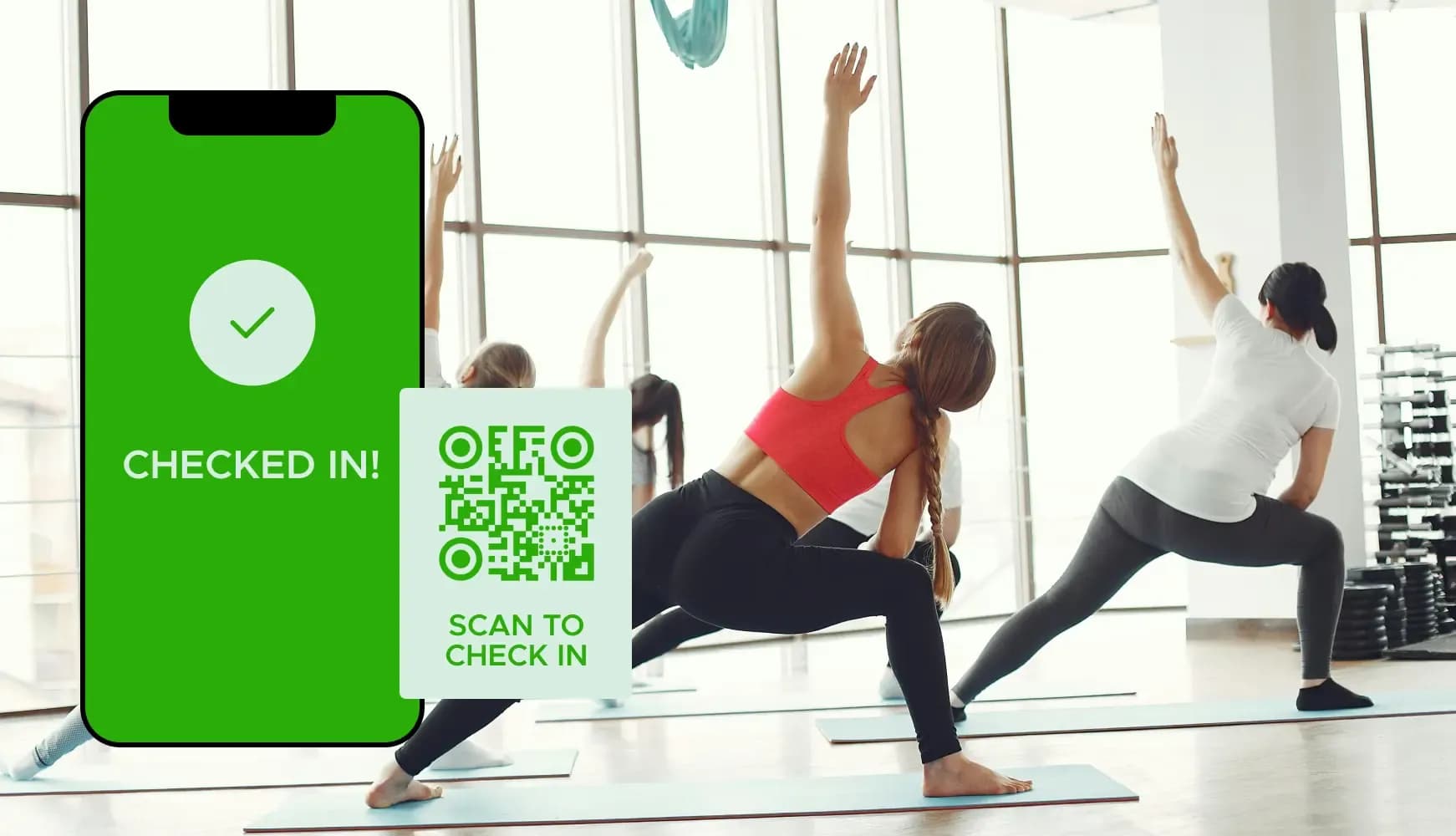
Corporate Meetings and Training
Companies use QR codes to track employee attendance at meetings and training sessions. This ensures accurate tracking of participation, which is essential for compliance and performance reviews.
Fitness Centers and Gyms
Gyms use QR codes for member check-ins and managing class attendance. This system helps in managing class capacities and tracking individual attendance patterns.
Best Practices for Attendance QR Codes
Print QR codes in high resolution to ensure they are easily scannable from different devices. Poor quality prints can lead to QR code scanning issues.
Place QR codes in accessible and visible locations where attendees can easily scan them without causing congestion, such as at entrances or registration desks.
Offer clear and concise instructions on how to scan the QR code and what attendees should expect after scanning.
Create Your Attendance QR Code Today
Ready to discover how QR codes can transform your business? Start by creating your custom QR Code today