Loading QR code generator…
Loading QR code generator…


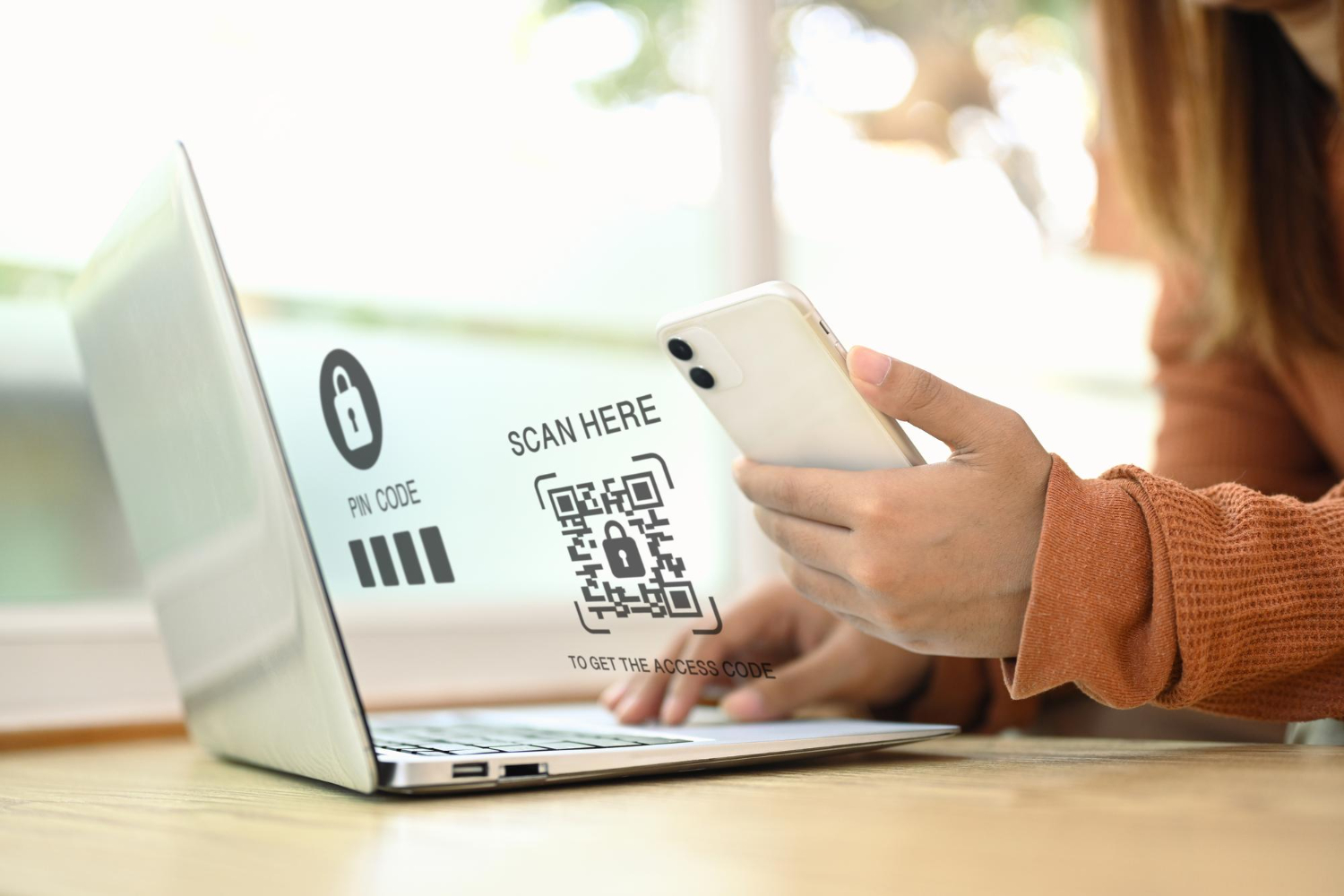
A WiFi QR code is the modern solution for providing simple, secure internet access. It eliminates the need for manually entering complex passwords, providing instant network connection with a quick scan. This is particularly useful for a QR code for guest WiFi in busy settings like cafes, hotels, and conference venues.
By scanning the WiFi QR code with a smartphone, the network credentials are automatically transferred, bypassing the frustrating process of typing long, case-sensitive passwords and reducing the risk of errors.


A WiFi QR code makes connecting to your network effortless. It saves time for your customers and removes a common point of frustration.
Encrypting network credentials within a WiFi QR code ensures that only those with access to the code can connect. This is crucial for a QR code for guest WiFi, as it minimizes the risk of unauthorized users gaining access to your private network. Hotels can provide secure access without revealing passwords, and hospitals can offer internet to visitors without compromising network safety.
A WiFi QR code automates the distribution of credentials, reducing your IT workload. You can easily track usage, monitor performance, and update network configurations without having to reprint massive amounts of material.
A WiFi QR code can be placed on almost any marketing material—brochures, business cards, menus, or posters—making it a versatile tool for customer engagement and marketing.

Ready to create your WiFi QR Code?
Start for free today and transform how you share your network.

Place a WiFi QR code on menus or tabletops to offer seamless internet access. This encourages customers to stay longer, share their experience online, and increases the likelihood of additional orders.
Enhance the shopping experience by offering a QR code for guest WiFi. Customers can research products, compare prices, and share their finds on social media, which can lead to increased sales and brand loyalty.
Improve the patient experience by providing easy internet access in waiting areas with a simple WiFi QR code. This can reduce boredom and allow you to display important health information or appointment reminders

Streamline network access for employees, clients, and visitors. A WiFi QR code allows for instant, secure connections, fostering productivity and projecting a professional, modern image.
Select a reliable platform like QRStuff to create a dynamic and customizable WiFi QR code.
Ready to create your WiFi QR Code?
Start for free today and transform how you share your network.
In the QRStuff generator, choose the specific "WiFi" type. You will then enter your network name (SSID) and password. Our platform handles the rest.


Add your logo, brand colors, or other design elements to make your WiFi QR code visually appealing and recognizable.

Before printing, test your QR code for guest WiFi with multiple devices to ensure it connects flawlessly.

Print your WiFi QR code on various materials and place it where guests can easily find it.

For business use, a dynamic QR code can offer insights into usage patterns, helping you optimize your network and guest experience.

Position your WiFi QR code in highly visible and accessible locations, such as on lobby welcome signs, restaurant tables, or guest room desks.
Include a simple call-to-action like "Scan for Free WiFi" or "Connect to our Guest WiFi" near the code.
If you change your WiFi password, you must update your QR code. Using a dynamic WiFi QR code makes this process simple, as you can update the credentials without reprinting the code itself.
Before rolling out a QR code for guest WiFi, ensure your network can handle the potential increase in connected devices to avoid slow speeds.


Based on your location, we think you may prefer the English (US).



 English (UK)
 Spanish (ES)
 French (FR)