Benefits of Using an App Store QR Code
Streamlined App Downloads
A single QR code works for all devices. Users don't need to search for your app; they just scan the code, and our platform directs them to the right app store for their device.
Improved User Experience
An app store QR code removes friction. It's an easy to use solution that gets users to your download page in one step, increasing conversion rates.
Trackable Marketing Campaigns
A dynamic QR code for your app is a trackable marketing tool. You can monitor the number of scans to measure the effectiveness of your marketing materials and see which channels are driving the most downloads.
One Code for All Materials
Use the same all-in-one QR code everywhere - on business cards, posters, your website, and social media - to create a unified and professional campaign.
How to Create an App QR Code
Our QR code generator makes it easy to create an app store QR code.
Step 1
Choose the "App Store" QR Code Type
In our code generator, select the dedicated "App Store QR" data type. This is the all-in-one QR code solution that works for both Apple and Google Play.
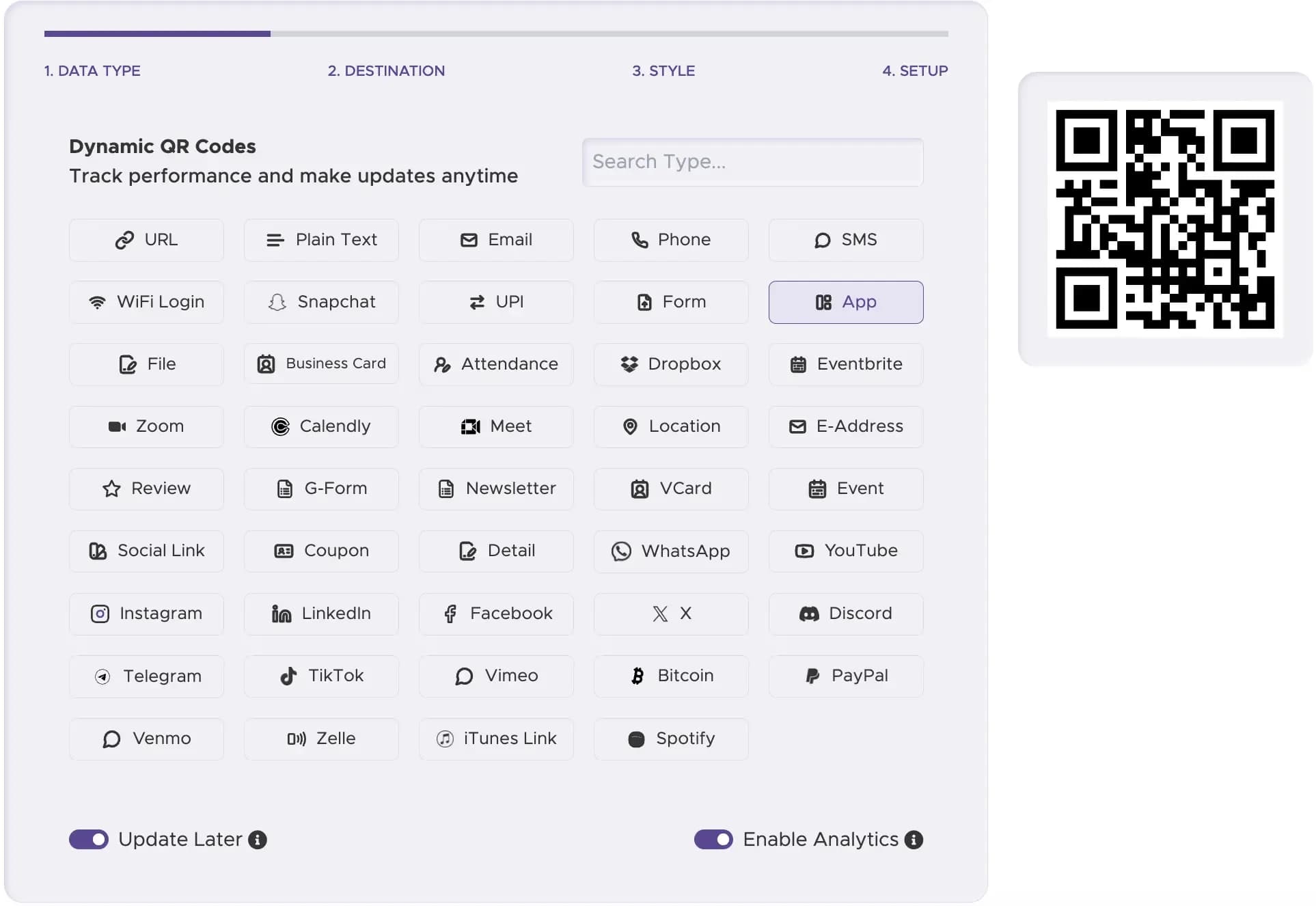
Step 2
Enter Your App Store Links
Paste the link to your app in the Apple Store and the Google Play Store. Our system will use these links to automatically direct users based on their device.
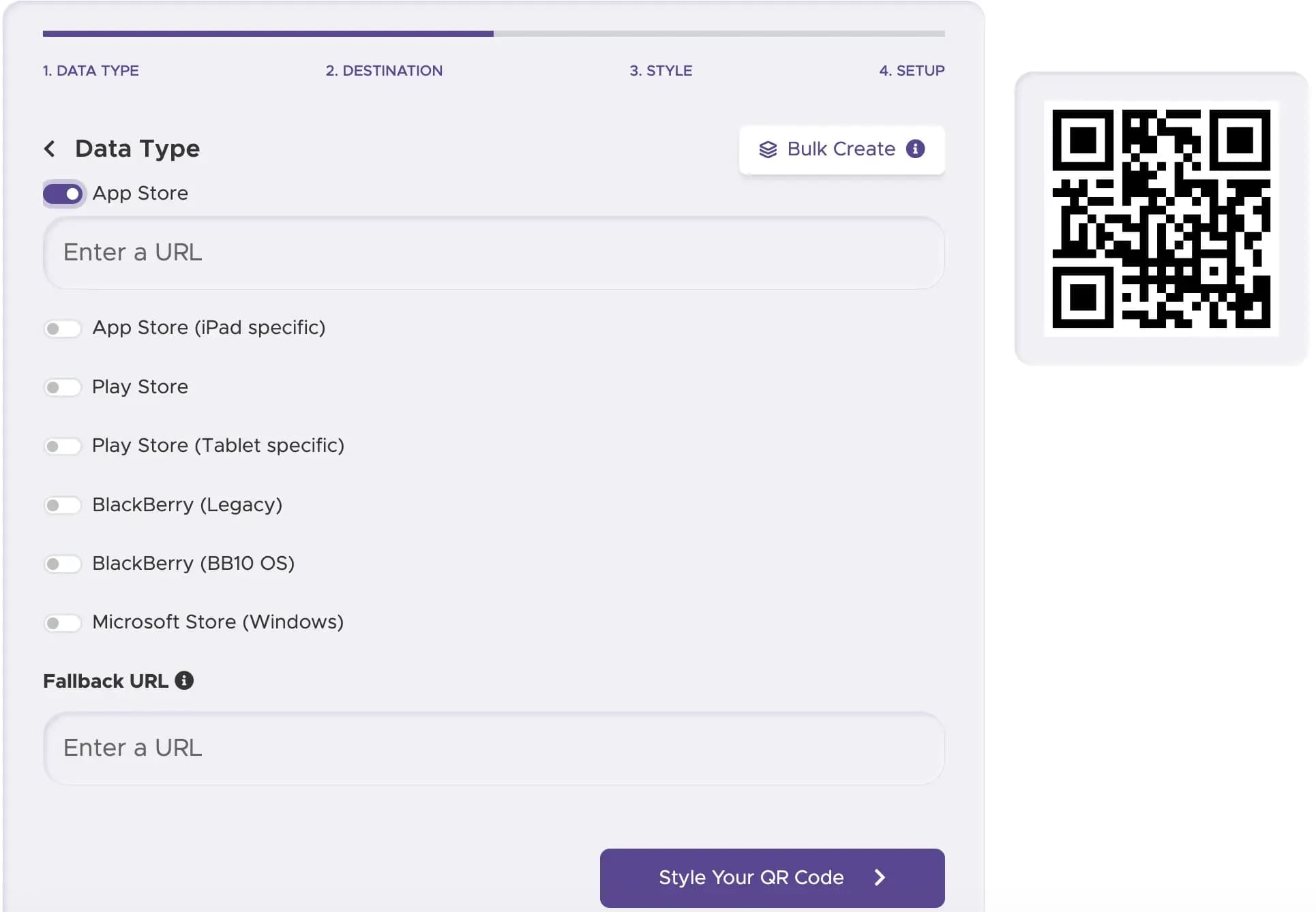
Step 3
Customize Your QR Code
Create a custom QR code that matches your brand. Add your app's icon as a logo to make your new QR code instantly recognizable.
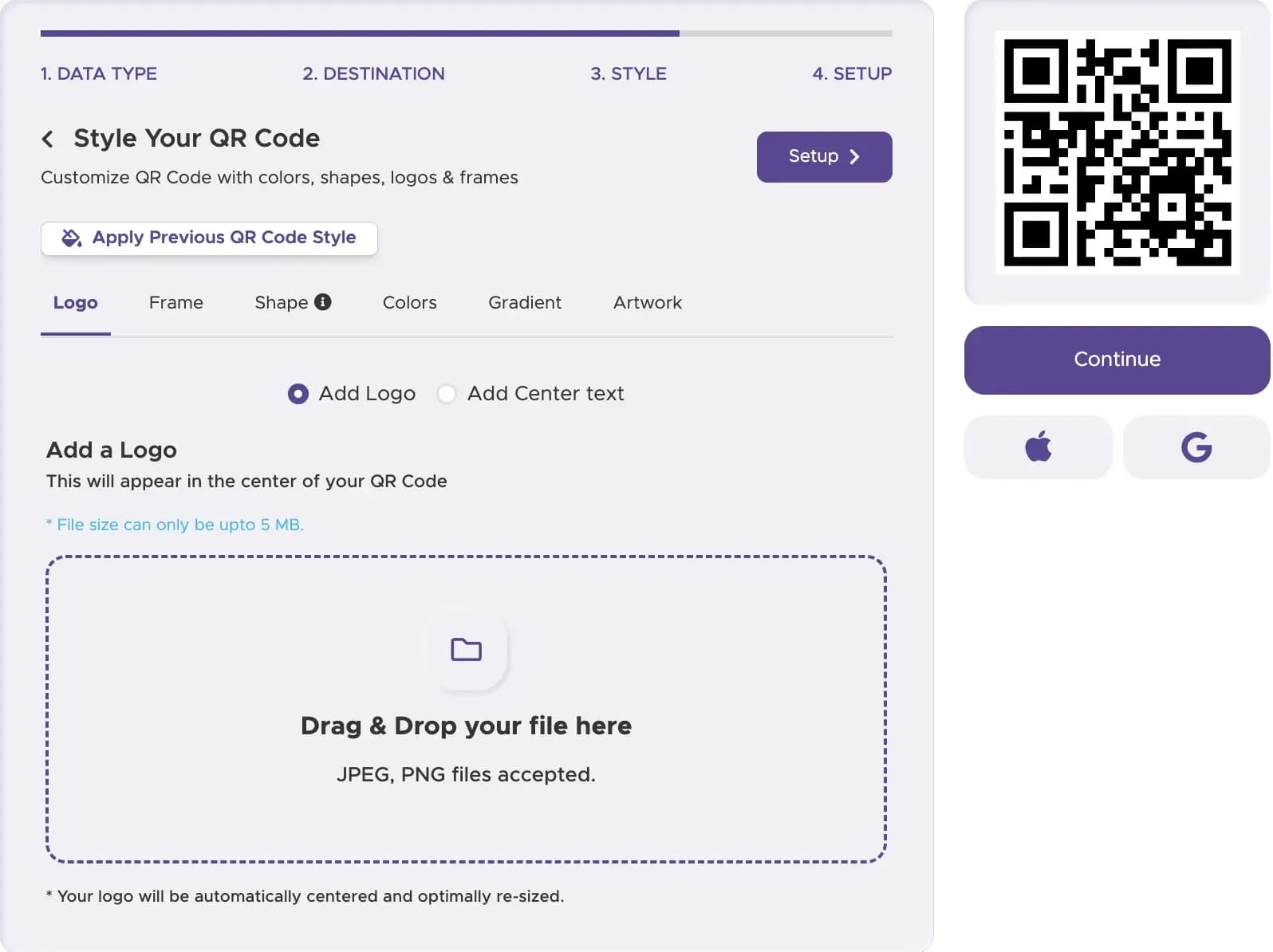
Step 4
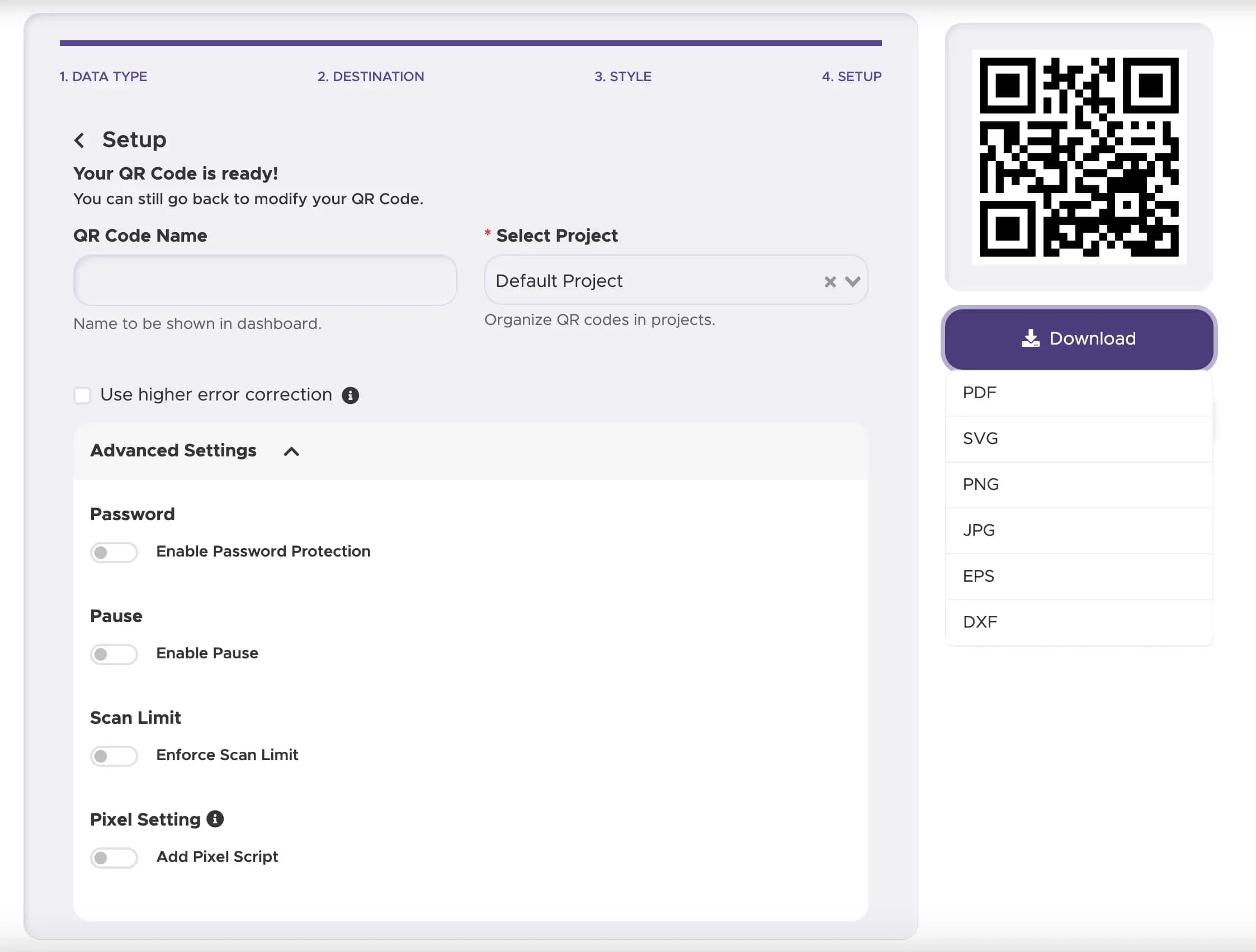
Download Your QR Code
Download the QR code in a high-resolution format. It's now ready for QR code printing on your marketing materials. For tracking and updates, always choose a dynamic QR code.
Step 5
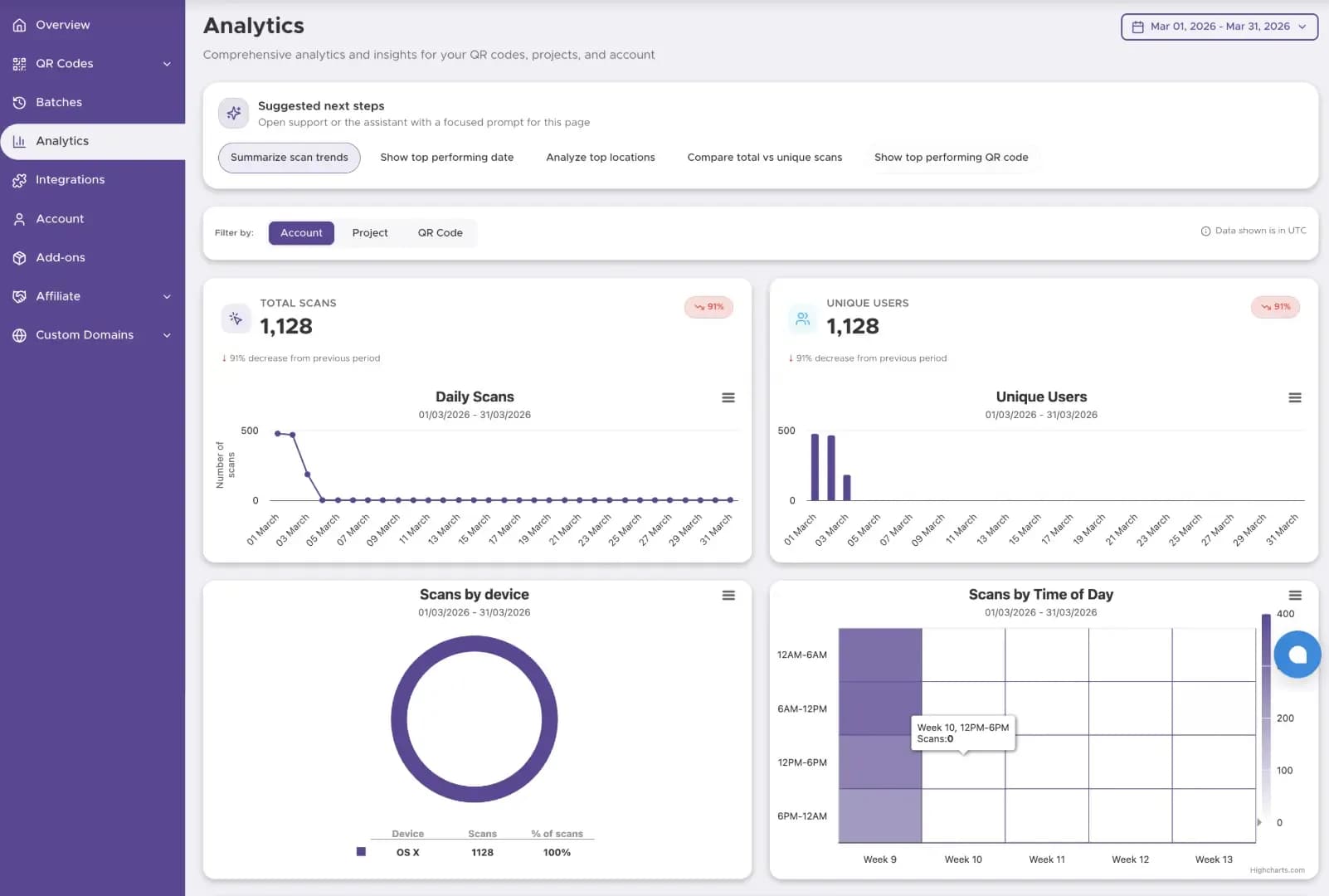
Track Performance (with Dynamic Codes)
For business use, a dynamic QR code can show scan activity and engagement patterns, helping you understand where and when people use your QR code.
Use Cases for App QR Codes

On Marketing Materials
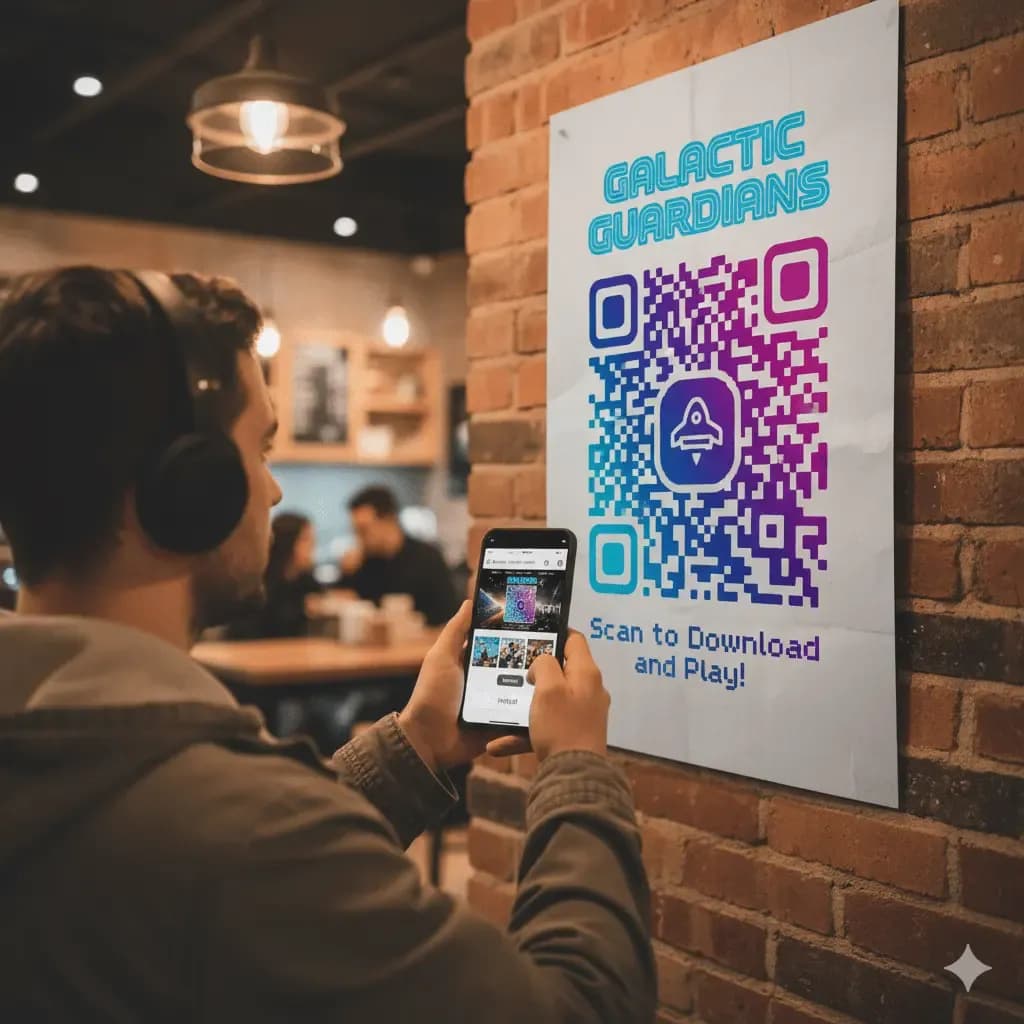
Add QR codes to flyers, posters, and print ads to drive app downloads. A potential user can scan the code instantly, taking them directly to the app store to download your app.
Product Packaging and Onboarding
For products that require a companion app, a download app QR code on the packaging is essential. It streamlines the setup process and improves the initial customer experience.

Digital Business Cards
A QR code on a digital business card can link to your company's official app, in addition to your contact information. This is a great way for companies like Wave Incorporated to share their digital tools.
Best Practices for App QR Codes
Add a simple instruction like "Scan to Download Our App" so users know exactly what the code does. Including the Apple and Google Play logos can also be helpful.
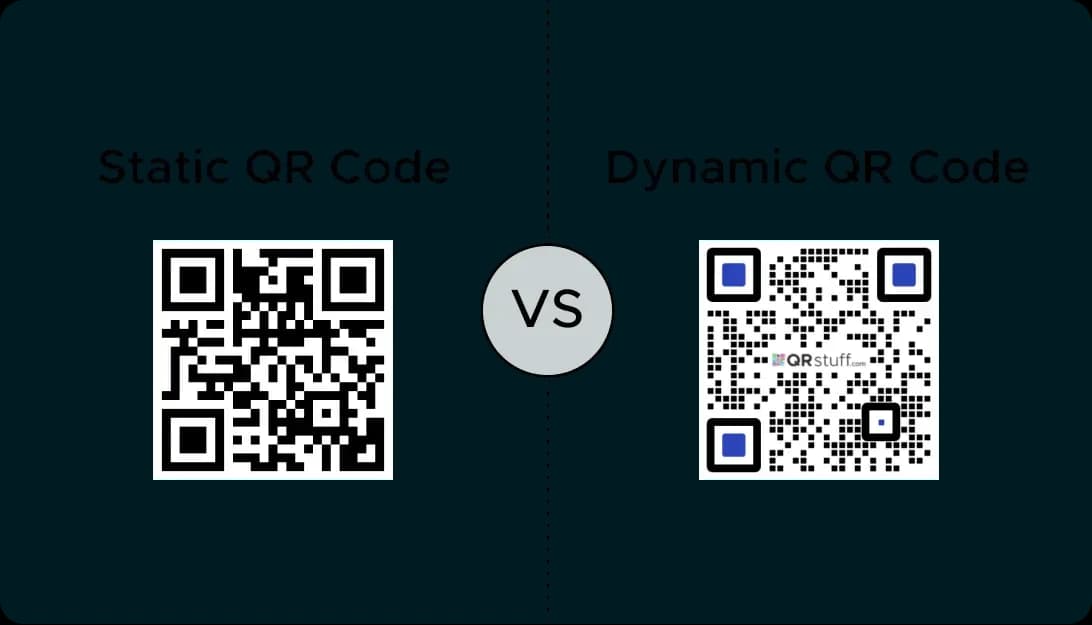
This is crucial. A dynamic QR code allows you to track scans and update the app store links at any time without having to reprint your materials.
Ensure you download your QR code in a high-quality format so it is sharp and easily scannable on your physical ads.
Create Your App QR Code for Free
Ready to increase your app downloads? Generate qr code assets using our qr code generator for free and boost your results.