The adoption of QR code restaurants solutions surged during the pandemic, but their role has evolved far beyond contactless service. Today, the QR code menu is a powerful tool to streamline operations, cut costs, and increase sales.
A QR menu for restaurants frees up staff to focus on urgent matters and speeds up table turnover. By minimizing wait times, QR codes give customers more control over their dining experience, allowing them to:
A digital menu offers huge benefits:
By tracking what customers order and when, restaurants can optimize their menu, make smarter stock decisions, and market to specific customer preferences, helping to increase the number of repeat visits.
Ready to create a QR Code for your restaurant?
Start free today
Integrating a QR code for menus and other services can transform your business. It's not an all-or-nothing decision; you can choose what works best for your service style.
Here are a few QR code menu example applications:
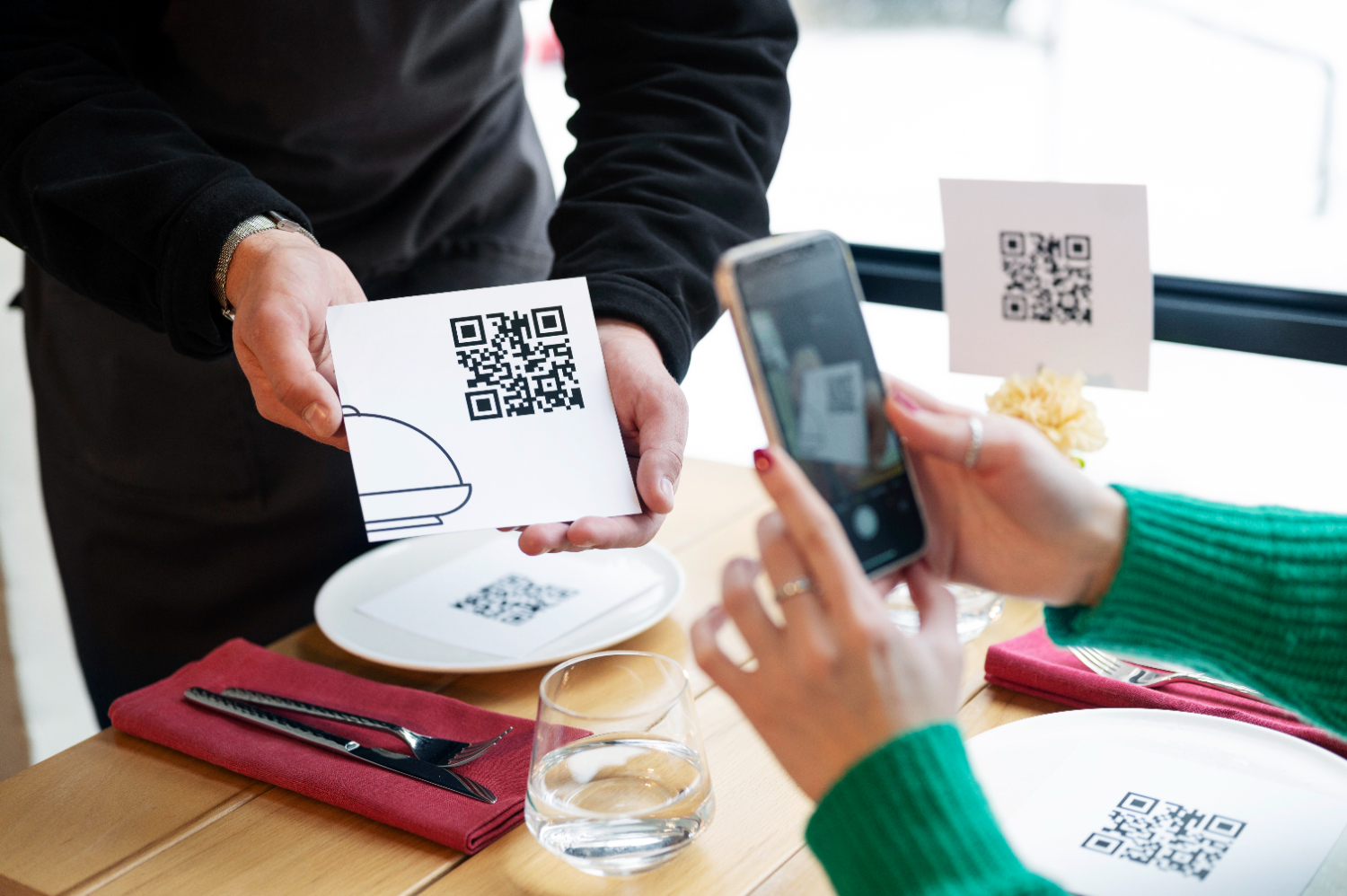
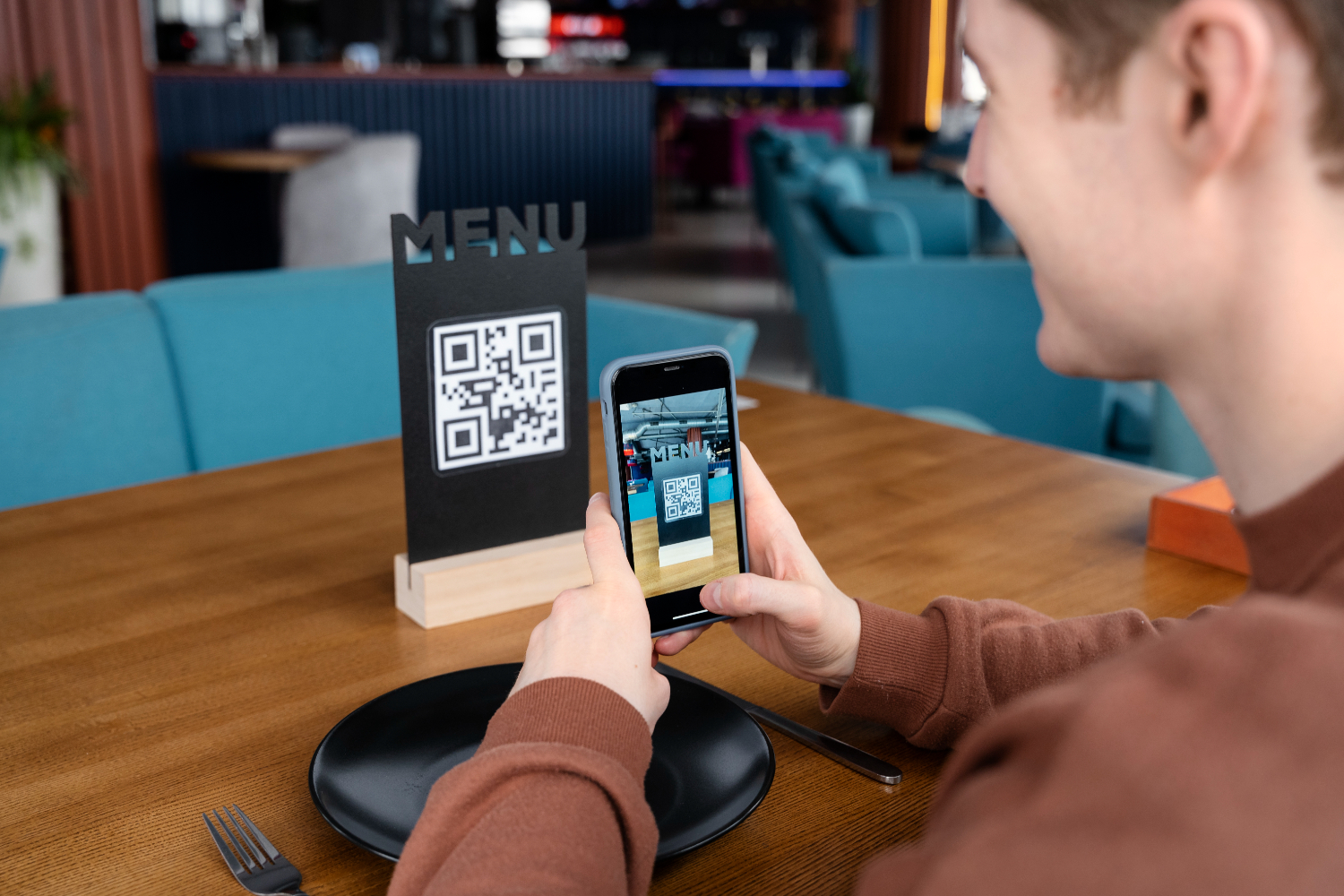
The most common use. A customer can scan QR code for menu access the second they sit down. This menu scan reduces wait times and printing costs associated with a paper food menu.
Guests browse the digital menu and place orders at their convenience from their own device, avoiding the need to wait for a server. This speeds up service for both dine-in and online ordering.
A scan-to-pay system allows guests to pay their bill in seconds by scanning a QR code on their receipt, creating a seamless end to the meal.
Let users reserve a spot or join a waitlist from their smartphones, simplifying management for your team.
Turn every surface into a marketing opportunity. Use menus QR codes to direct customers to your website, social media, or review pages like Google and Yelp, boosting your online presence.
Integrate tipping and performance tracking into your payment workflow to motivate your team and improve the customer experience.
Creating a menu QR code is easy. Here’s how:
Select a platform like QRStuff that offers dynamic and customizable QR codes perfect for your business.
Ready to create a QR Code for your restaurant?
Start free today
For a QR code menu restaurant, a Website URL QR Code is usually the best choice to link to your online ordering or digital menu page.
Align your QR code with your brand. Adjust colors, add your logo, and create a visually appealing QR code menu design.
Before printing, test the code thoroughly to ensure it scans correctly and directs users to the right content.
Place the QR code in strategic locations—on tables, windows, and marketing materials—making it easy for customers to find and scan.
Use the QRStuff dashboard to track the performance and engagement of your QR codes, allowing you to optimize your strategy over time.
Stop guessing. Start measuring. Transform your campaign into a data-driven powerhouse with our professional subscriber dashboard.
Track total and unique scans hourly.
See exactly where users are scanning.
QRStuff is the all-in-one platform for creating, tracking, and managing your QR code restaurants solutions effortlessly. Customize the appearance of your QR codes, manage them efficiently, and gain insights to better understand your audience.
Ready to discover how a QR code menu can transform your business? Start creating free QR codes today, or subscribe to unlock full design capabilities and advanced features.
Once you have generated your custom QR code, the final step is ensuring it works perfectly in the physical world. To download your code, simply navigate to your dashboard and select your preferred file type. We recommend SVG or EPS formats for professional printing, as these vector files can be scaled to any size without losing clarity. For digital use or small-scale office printing, a high-quality PNG is usually sufficient.
Always use high-resolution files (300 DPI minimum for raster images like PNG). Vector formats (SVG/EPS) are best for large-scale items like banners or signage to prevent pixelation.
Maintain high contrast between the QR code and the background. A dark code on a light background is the gold standard. Avoid inverted colors (light code on dark background), as many older scanners struggle to read them.
Ensure the code is at least 2cm x 2cm (0.8" x 0.8") for simple URLs. Place your codes on flat, non-reflective surfaces at eye level, avoiding folds, seams, or corners that could distort the pattern.
Never crop the white border (the "Quiet Zone") surrounding your QR code. This border is essential for the scanner to distinguish the code from its surroundings.
Do you work with clients who need reliable, professional QR code solutions? By sharing these best practices and recommending QRStuff, you can turn your expertise into a recurring revenue stream.
Start creating free QR codes today, or subscribe to unlock full design capabilities and advanced analytics
Yes, you can generate QR codes for essential Restaurant Hospitality operations, such as linking to digital menus, feedback forms, or basic inventory tags, using our free tool. Advanced branding and analytics require a subscription.
Simply select your data type (URL, PDF, or vCard), enter the relevant Restaurant Hospitality details—such as a product landing page or service menu—and customize the design to match your business aesthetic before downloading.
Download your QR code in high-resolution SVG or EPS format to ensure clarity. You can then apply it to Restaurant Hospitality-specific materials like storefront signage, product packaging, table tents, or professional business cards for high-quality scanning.